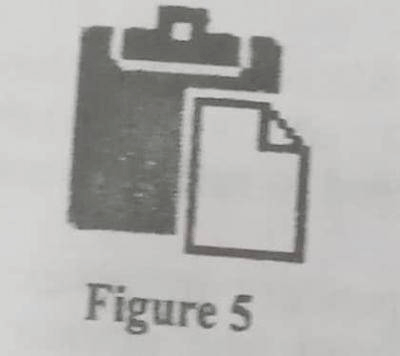
Concept:The icon shown in Figure 5 is the Paste icon on the Microsoft Excel ribbon/menu bar.Explanation:The Paste command takes the content that is already stored on the clipboard and inserts it into the current location in the worksheet.This content may have been placed on the clipboard earlier using the Copy or Cut command.Clicking this icon does not create a merged label or convert cells into a table.It simply adds the clipboard contents into the document.Answer:C. Content on the clipboard is added to the document